
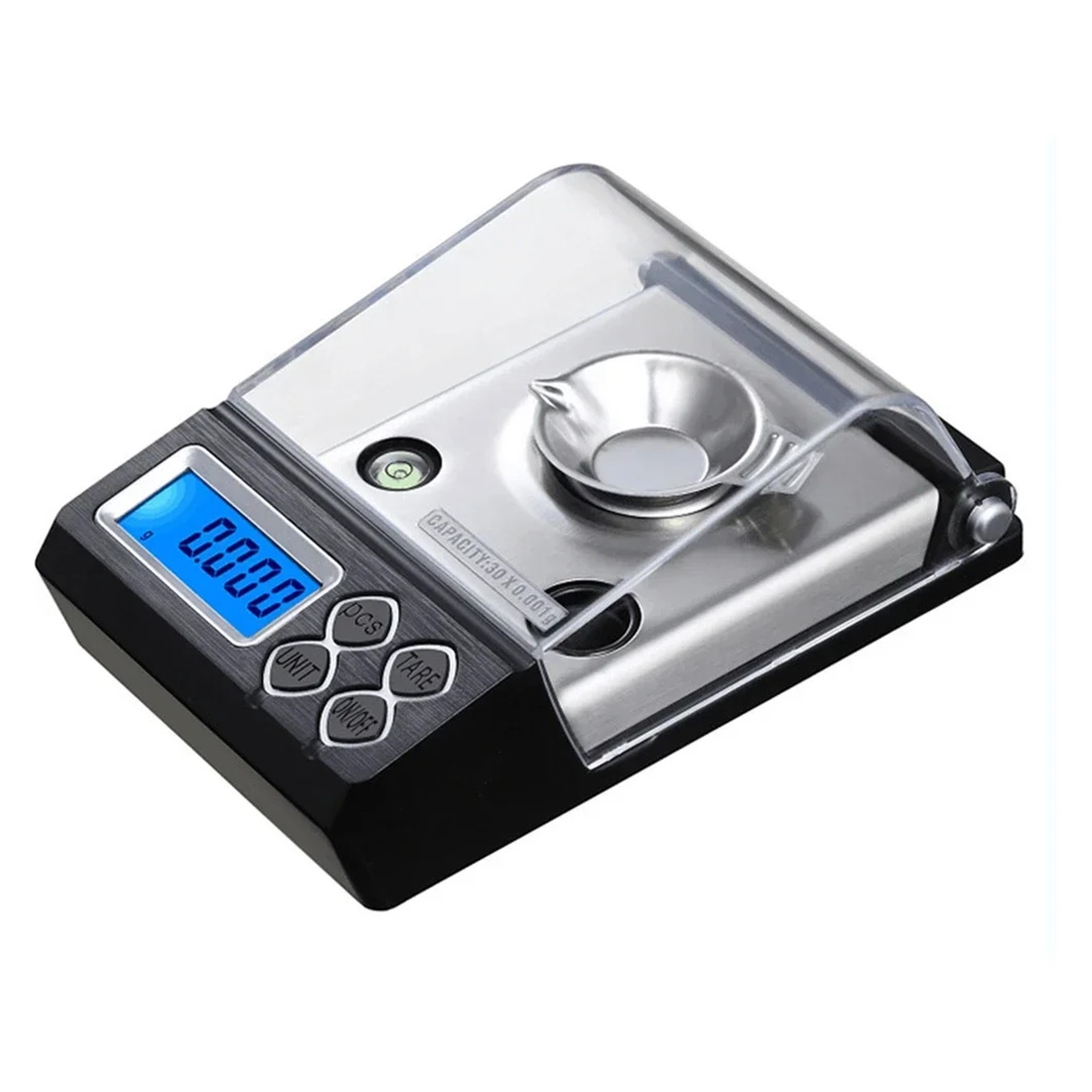
20g/50g Precision Diamond Scale Scales, Medicinal 0.001g Balance Weight Jewelry Electronic LCD Digital Laboratory - High Precision
Product details
| Management number | 238165957 | Release Date | 2026/07/11 | List Price | US$19.20 | Model Number | 238165957 | ||
|---|---|---|---|---|---|---|---|---|---|
| Category | |||||||||
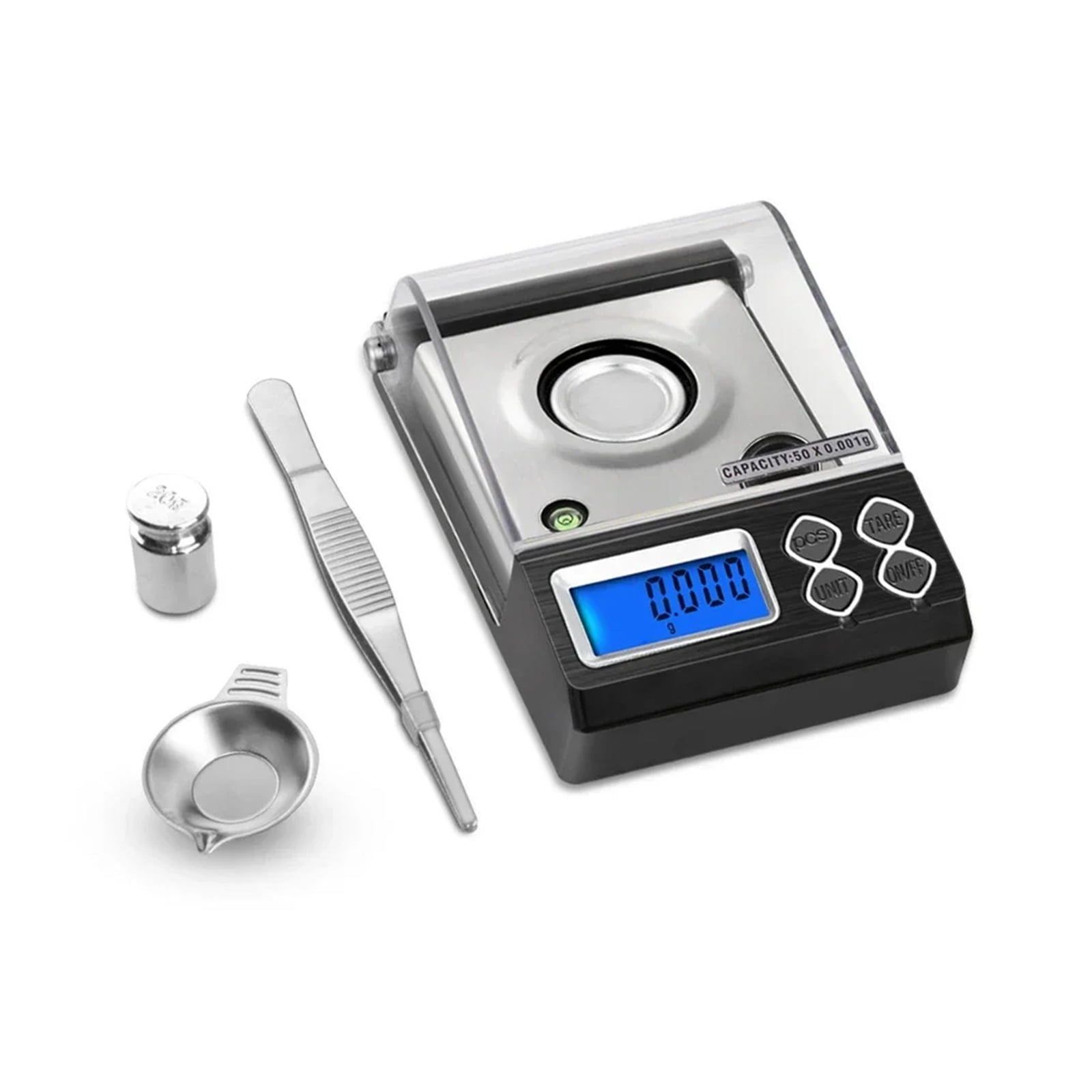
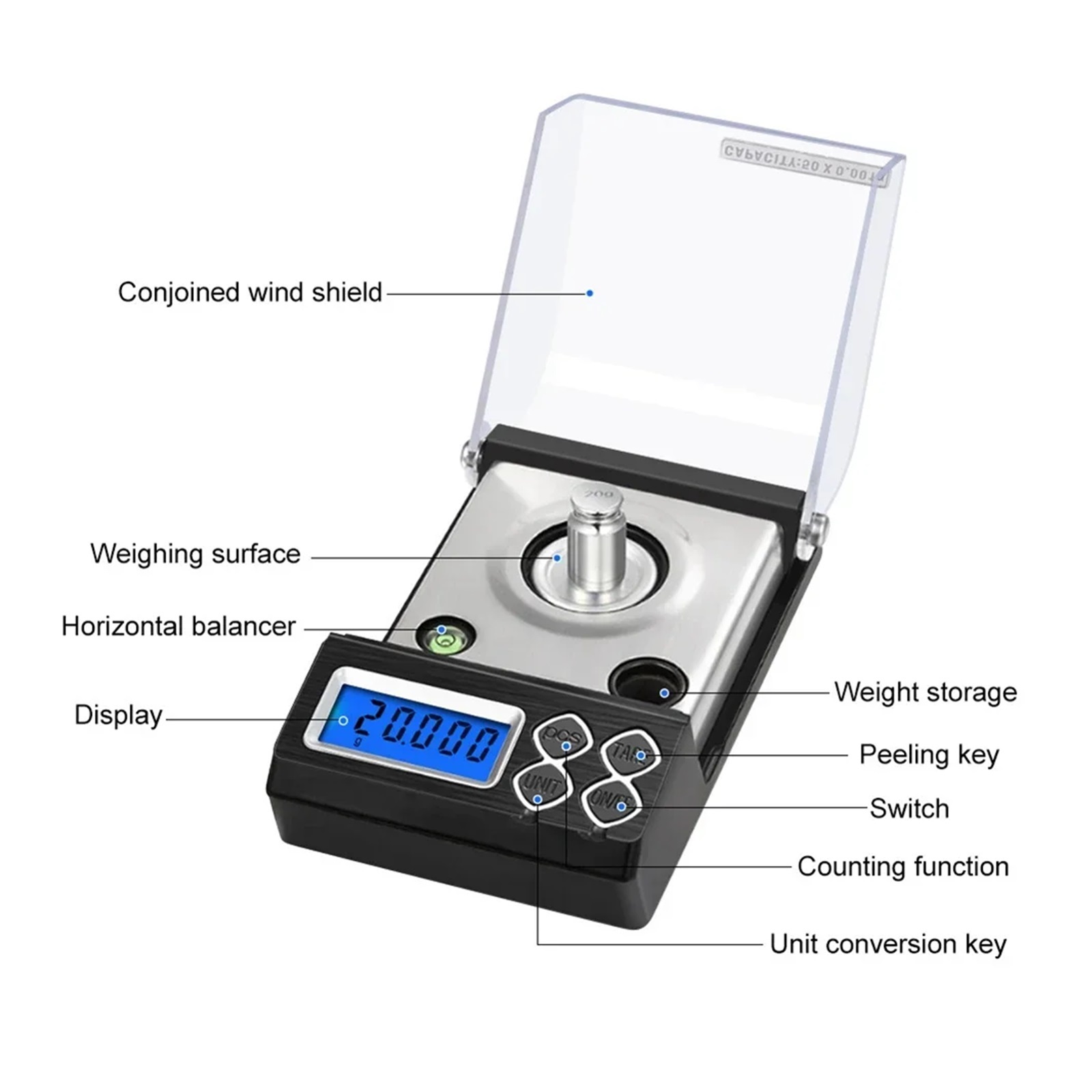
<p>1, Function buttons and instructions for use </p><p>1. ON/OFF (On/Off key) </p><p>Install 2 AAA batteries into the battery door according to the specified direction of the battery box. Place the scale body on a stable desktop, keep the level bubble in the center of the black circle, press this button to display "88888" and reset to zero when turning off the machine. At this time, the loaded items can be weighed on the scale, and press this button to turn off when weighing. If there is wind in the weighing environment, please put down the windshield for measurement. </p><p>2. UNIT (unit conversion key) </p><p>Press this button to select different weighing units when turning on and on: G, OZ, GN, CT, T, OZT, </p><p>Long press and hold the unit conversion key for 4 seconds to turn on all units, and the OZ unit will flash. Press the tare button PCS to choose to hide or display, and press the unit conversion key to shift to another unit. (This function allows customers to choose practical units to keep or reject.) Exit by long press and hold for 4 seconds to return to normal mode, and the G unit cannot be hidden. </p><p>3. TARE (peeling function) </p><p>Pressing this key during power on weighing can forcibly reset to zero. </p><p>4. PCS (counting function) </p><p>After turning on and resetting to zero, count any sample value of 25 or 50,75100 and place it on the scale for weighing. At this time, press and hold the count button, and the LCD will display a default value (such as P 25). Release the count button, press the unit conversion button to select the value of the sample value just counted (25,50.75100), and then press the count button to confirm. At this time, the LCD will display the quantity value of PCS+sampling value (such as 50), and the items to be counted can be loaded on the scale. </p><p>2, Calibration function </p><p>When the power is on, it displays 0.00. Press and hold the power button for 4 seconds before displaying -0- (zero point). Wait for 1 second before displaying the weight value that needs to be calibrated. The maximum weight of the scale is 50g (displaying a flashing 50.000). At this time, load the 50g weight on the scale, and after it stabilizes, it displays PASS. Calibration is complete. When the calibration weight value flashes, press the unit conversion key to add value, press the count key to decrease it to 20.000, and after loading the 20G weight, the calibration is completed. When the calibration weight value flashes, press the unit conversion key to add value, press the count key to decrease value, and according to the amplitude of 10G, select the appropriate weight value to calibrate 10G-50G. After turning off, remember the last set calibration value </p><p>3, Automatic shutdown time setting </p><p>Press and hold the ON/OFF key for 4 seconds in the shutdown state to display 88888 without letting go until F1-1 is displayed. Press the UNIT unit key to select values from 0 to 5, which correspond to 0=no shutdown. 1-5 represents the automatic shutdown time from 1 to 5 minutes in the absence of any operation. Choose the appropriate shutdown time according to your own needs to save battery life. After selecting, press the power button to reset to zero to weigh. </p><p>LCD Display with Backlight </p><p>Six different weighing units (g, oz, ozt, dwt, ct, gn) </p><p>Sk stainless steel build for easy maintenance and reinforced platform strength </p><p>Fast and easy to tare and calibrate </p><p>It provides low battery and overload indication </p><p>Equipped with high precision sensors to provide the most accurate weight readings </p><p></p><p>Ran: 50g </p><p>Minimum weighing: 0.006g </p><p>Maximum weighing: 50g </p><p>Accuracy: 0.001g </p><p>Unit: g, oz, ozt, dwt, ct, gn </p><p>Error ran: ±0.05g </p><p>Battery: 2*AAA battery(Not including) </p><p>1. Pls Note: the scales need to be CALIBRATED before work. Thanks</p>
- Compact & Durable: Designed for convenience and longevity. Its slim, space-saving profile ensures easy storage, while the robust build handles all your daily needs with professional accuracy.
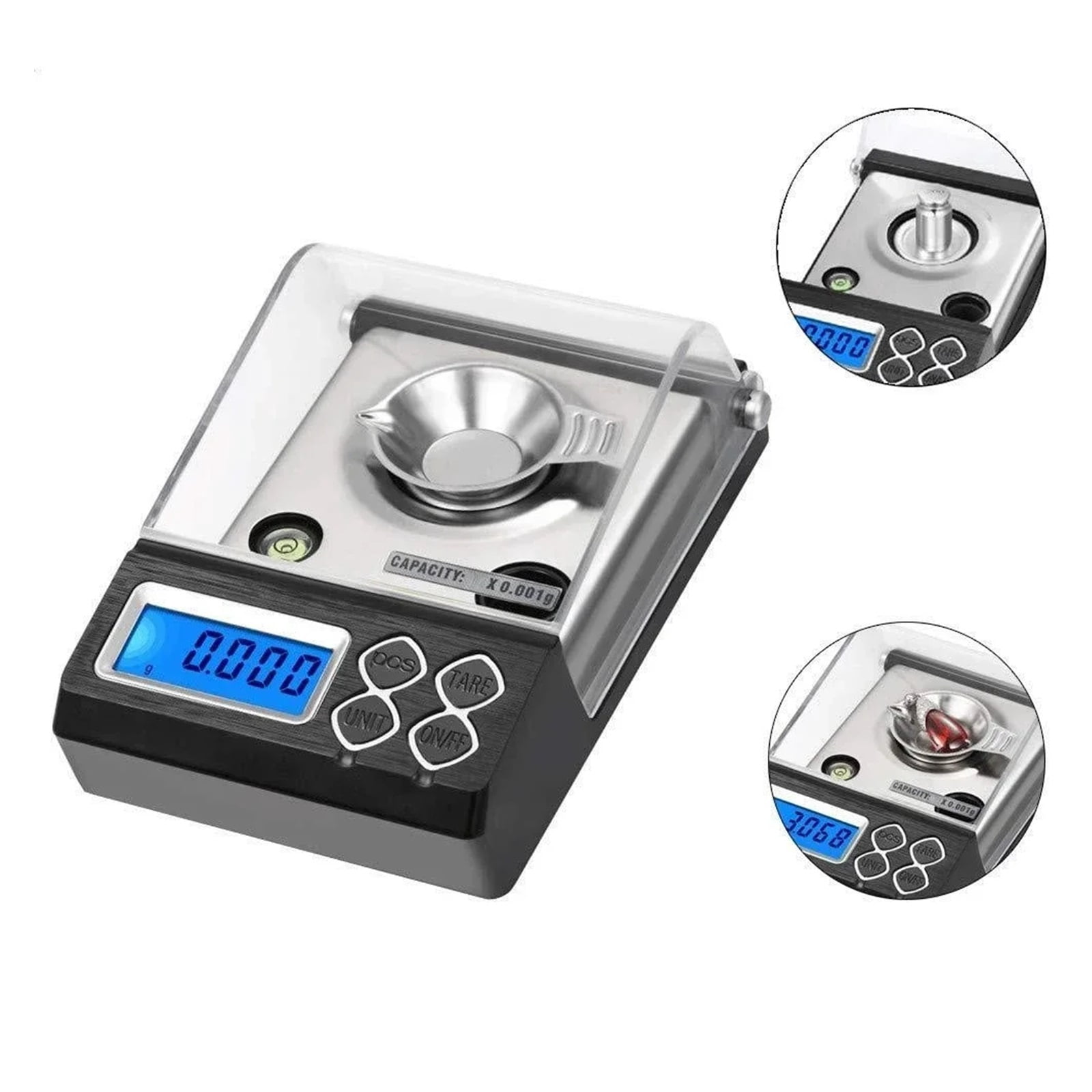
- Precise MeasurementSuitable for all kinds of weighing measurement, there are 6 units of g, oz, ozt,dwt, ct, gn to choose from, whether you use a scale pharmaceutical ingredient, powder, gold or anything else, it is very suitable.[Error ran:± 0.02g]
- High precisionAccurate readings can be obtained every time with a high-precision sensor system. minimum weighing weight 0.003g, maximum weighing 50g, 0.001g precise graduation, which is very accurate.
- Multi-Functions Scale"Tare" function allows you to Zero the Scale before adding additional ingredients, ensuring accurate measurements. For the powder or liquid, the net weight of the component can be measured more accurately. The "PCS" function can provide accurate counting, especially for small granular foods.
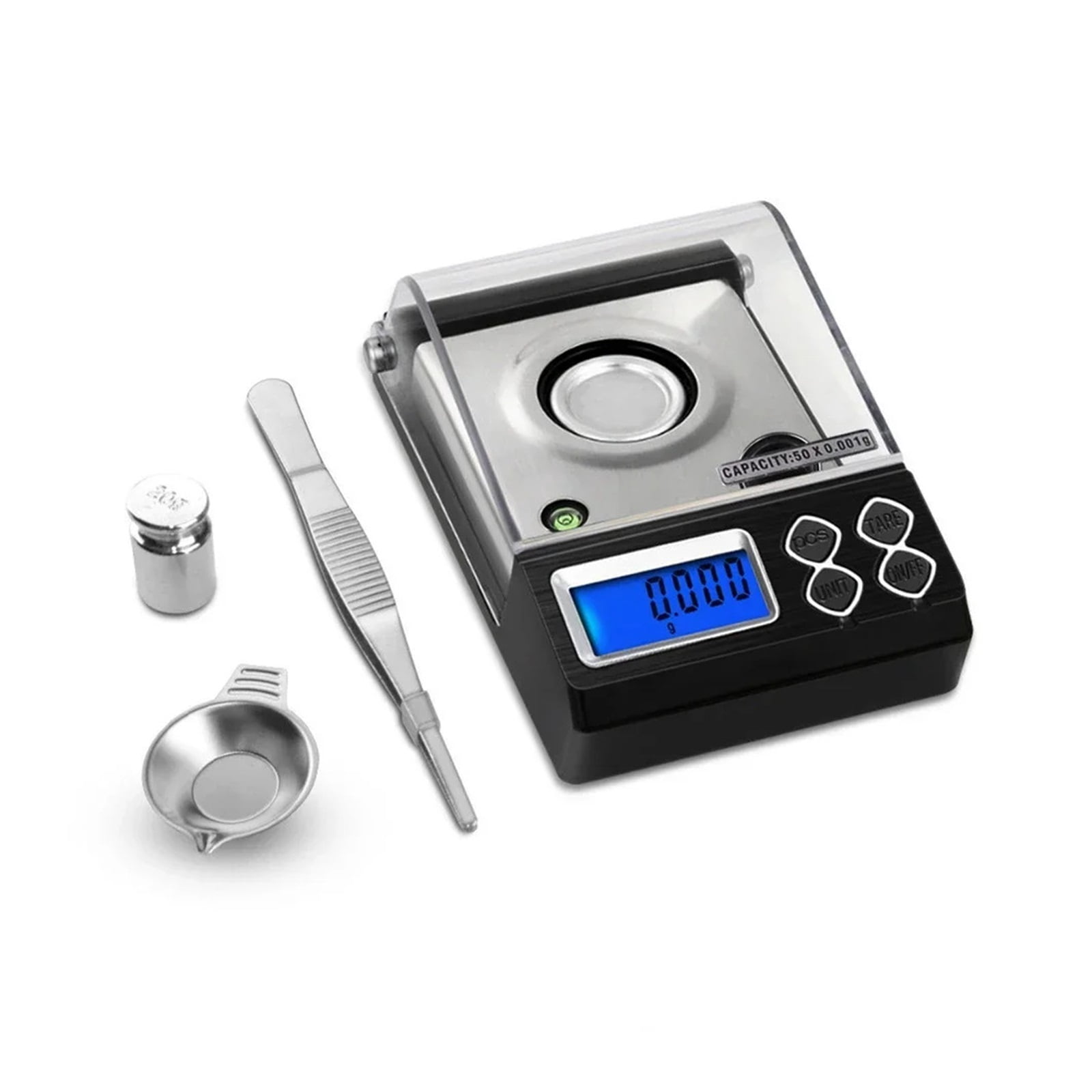
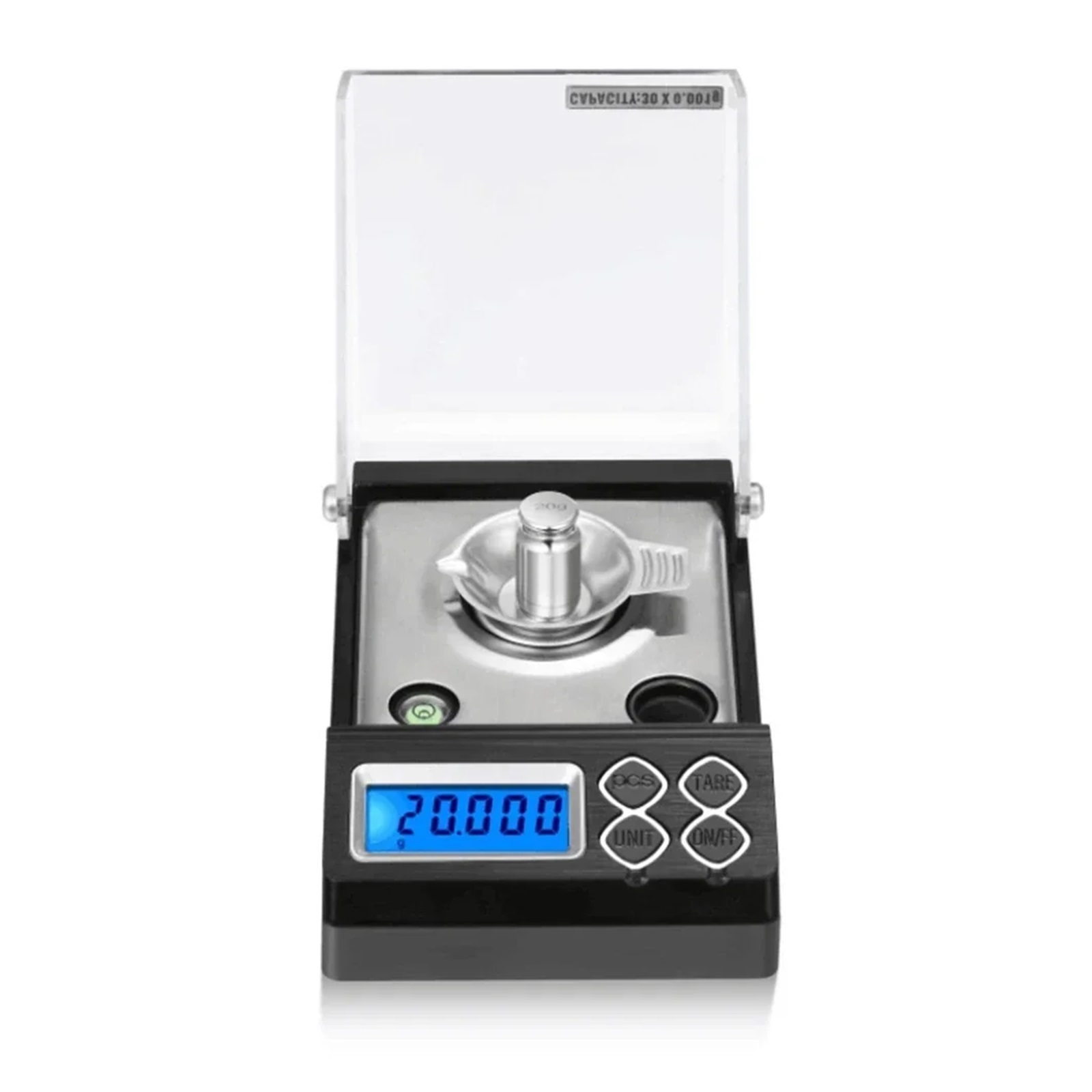
- Calibration functionIf you find any inaccuracies in the scale during the whole use, just use the 50g/20g calibration weight and recalibrate according to the calibration method, you can continue to use your scale accurately.
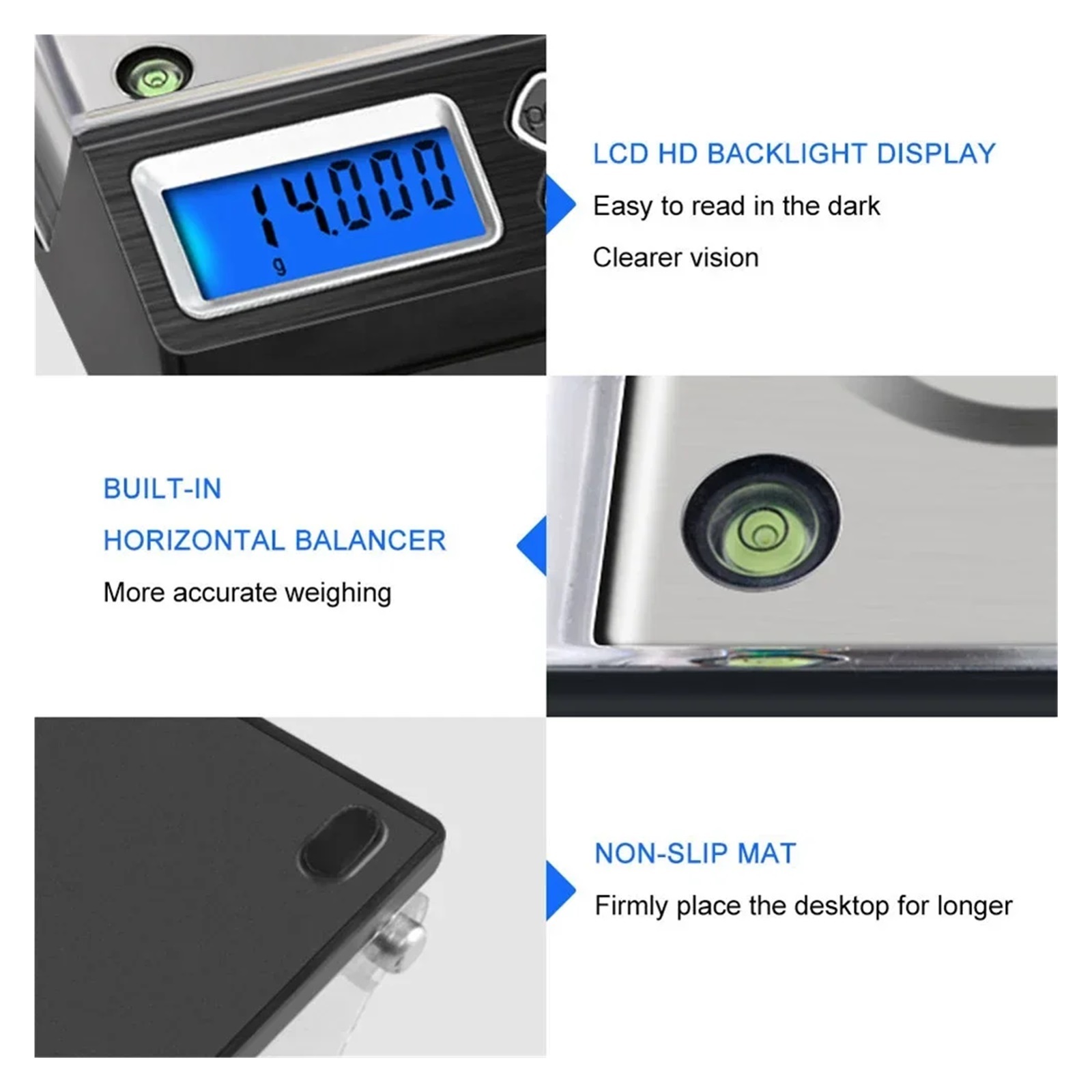
- Ultra-clear displayLCD lar screen display back oran light, numerical display is clear and easy to read. Transparent protective cover dustproof and windproof, more accurate measurement.
| Brand | Blissphere |
|---|---|
| Items included | Varies by Model |
| Dimensions | 0.39 x 0.39 x 0.39 in |
| Has written warranty | No |
| Weight | 0.04 oz |
| Model | 1 |
| Piece count | 1 |
Bestseller ranking
Shop all hot dogs



Customers who viewed this product also viewed
Uncategorized

Correction of product information
If you notice any omissions or errors in the product information on this page, please use the correction request form below.
Correction Request Form